

Installation
- Visit SBOM Workbench releases
- Download the installer for your platform:
- macOS:
.dmgfile - Windows:
.exeinstaller - Linux:
.AppImageor.debpackage
- macOS:
- Run the installer
Getting Started
Add or Import Your Project
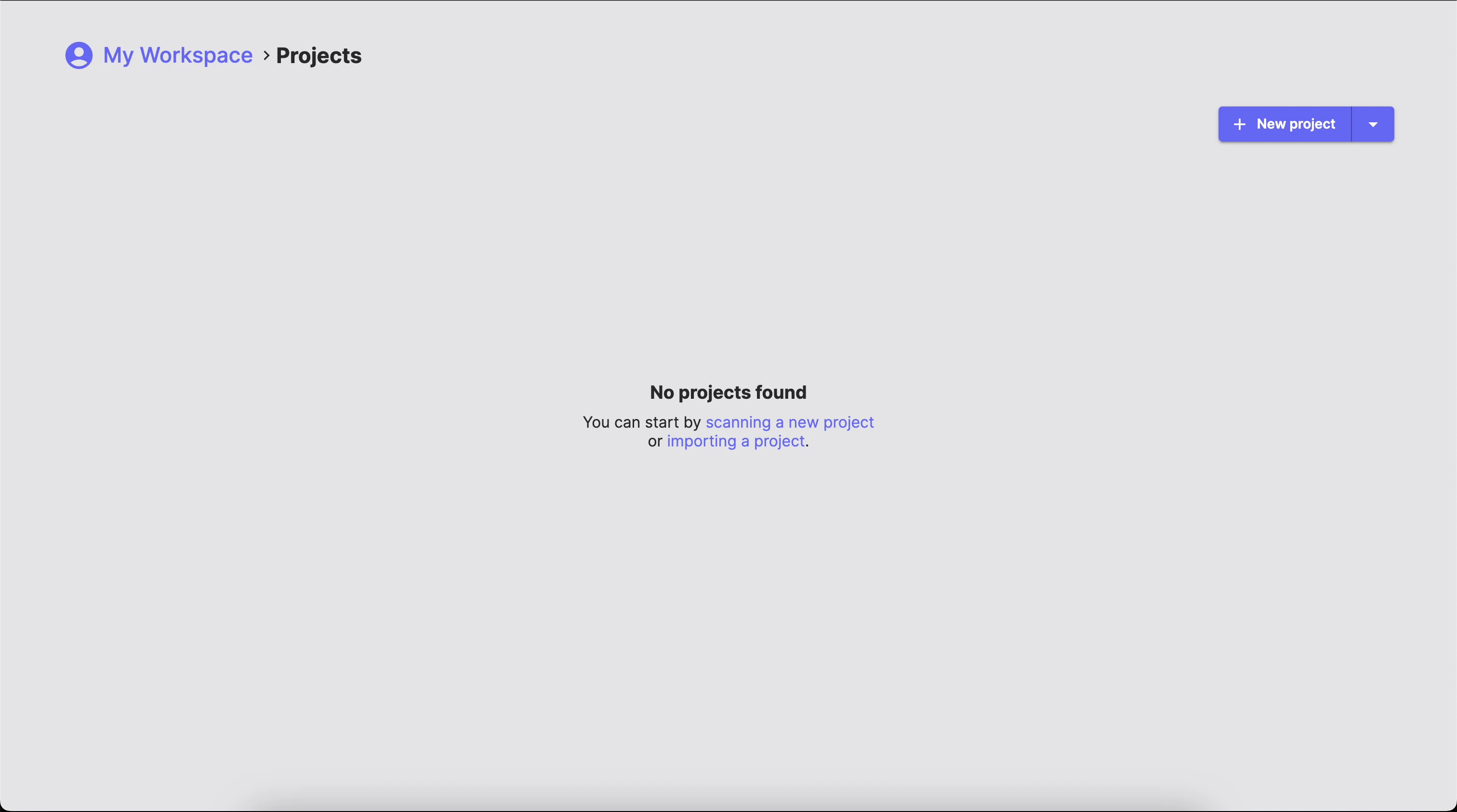
In theHome tab, click the New project to add a new project from the source code itself, or click on the arrow to display te dropdown menu to add a new project from a WFP file or import an existing project in the state it was exported.
Project settings screen.
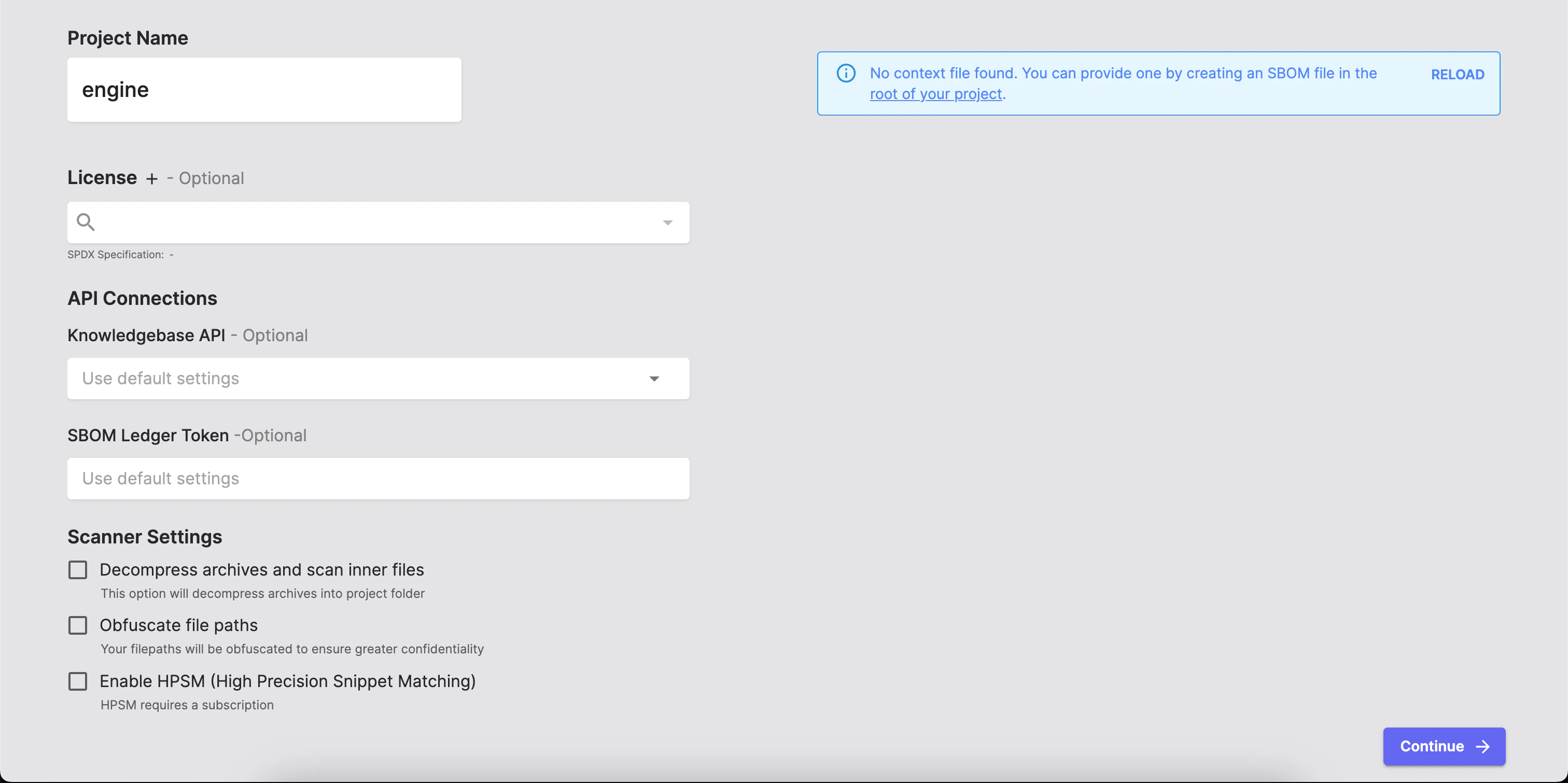
- Project name
- License
- API connections
- Scanner settings
You can provide a context file scanoss.json declaring known components to get the most accurate results.
After you add and configure your project settings, the SBOM Workbench will automatically go through various stages: scanning your project, detecting licenses, analysing for dependencies, searching for vulnerabilties and so on.
Accessing Cryptography Detection Results
SBOM Workbench provides two primary ways to access cryptography detection results:- Crypto Search
- Cryptography Report
Crypto Search
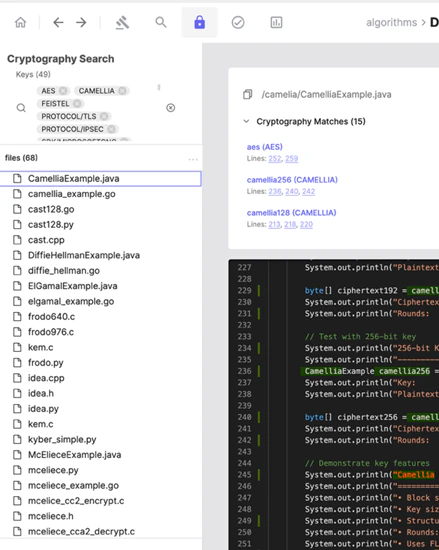
Click the Crypto Search button to access a list of all local source code files where cryptography-related keywords have been detected.
Default Filters
By default, all detected cryptographic algorithms are included in the active filters. These filters represent all algorithms identified across the analyzed source code.Navigating Results
The left panel displays a hierarchical tree of source code files. Selecting a file or node in the tree updates the right panel with:- The source code of the selected File
- Detected cryptographic keywords within that file
Detection Details
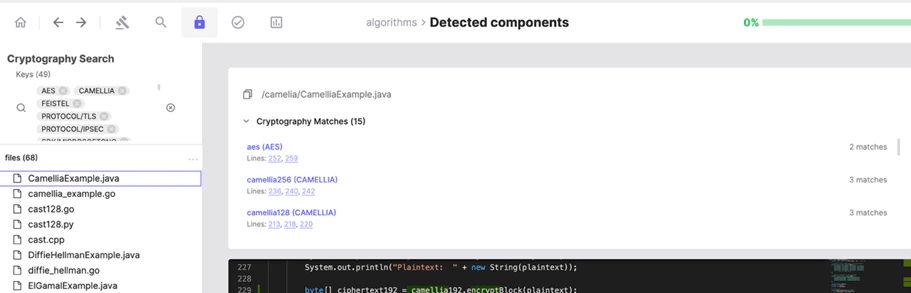
At the top of the right panel, SBOM Workbench displays:- The detected keyword
- The associated algorithm, library, SDK, or protocol
- The line number(s) where the keyword was detected
Crypto Report
Click the Report button and navigate to the Cryptography section. This section shows the total number of cryptographic keywords detected in the source code. Selecting this section opens the detailed cryptography report.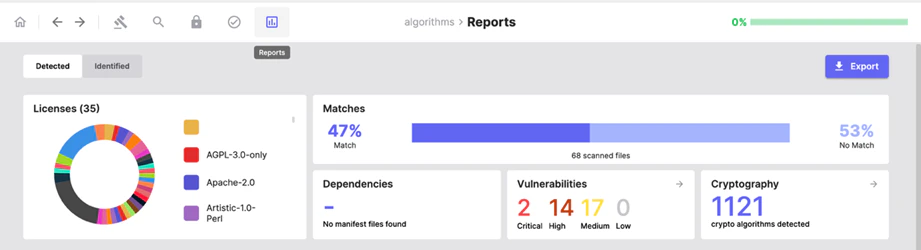
Statistical Overview
At the top of the report, SBOM Workbench presents statistical charts that summarize cryptographic usage across the entire set of analyzed source code files. These charts provide a high-level view of:- The distribution of cryptographic algorithms
- Overall cryptographic keyword usage
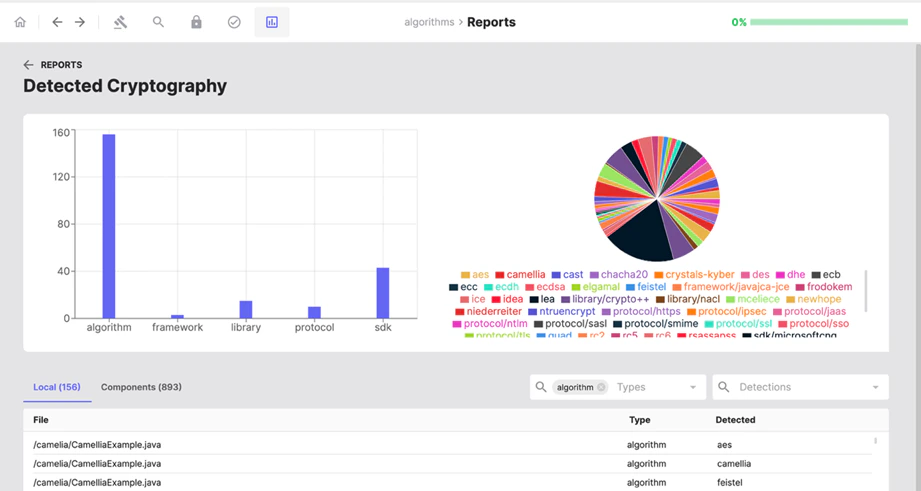
Detection List
The lower section of the report lists cryptographic keyword detections per file, including:- The type of identified material (algorithm, library, SDK, or protocol)
- The name of the detected item
Navigating Between Views
From the detection list in the cryptography report, users can navigate back to the Crypto Search view:- Clicking a file path displays all cryptographic detections for that specific file.
- Clicking an algorithm name displays only the keywords related to that algorithm within the selected file.
Limitations
- Cryptography detection is based on keyword matching.
- Only local source code files are analysed.
- External dependencies are not included in the analysis.